
What Workday Object Transporter 2.0 Does
Workday Object Transporter 2.0 helps authorized teams move supported configuration objects between tenants. It reduces repetitive manual setup, but it does not remove the need for release governance. Every transport still depends on the quality of the source configuration, the readiness of the target tenant, and the team’s understanding of object dependencies.
Treat the tool as one part of a controlled deployment process. Product owners should define the business reason for the change, technical owners should confirm dependencies, and testers should prove that the target process behaves as expected.
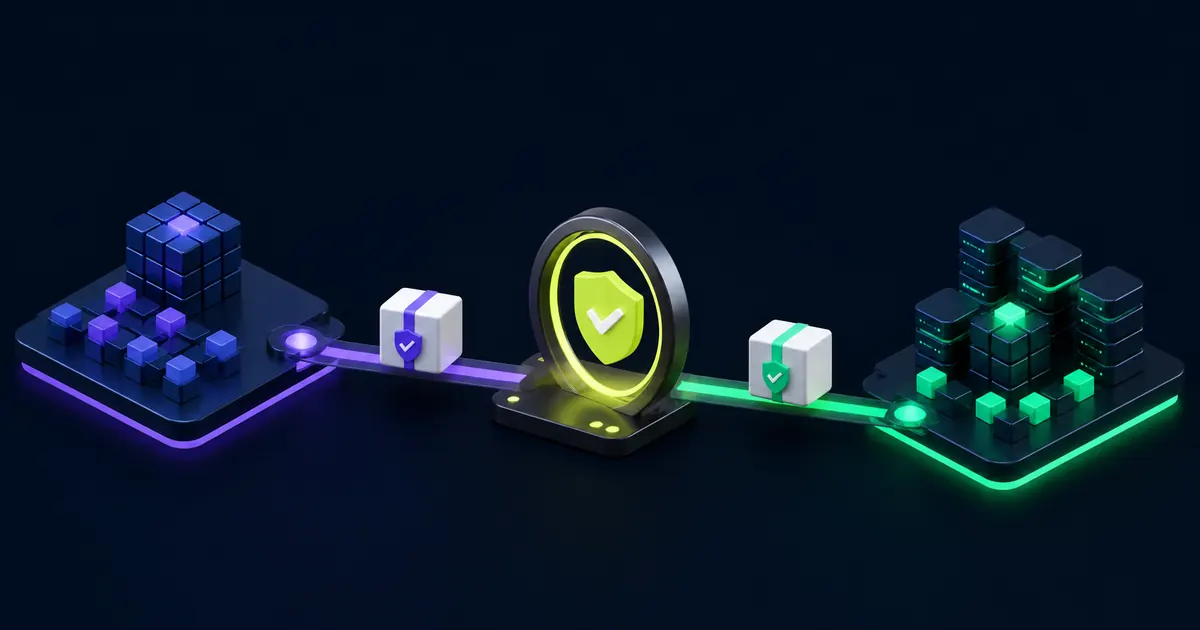
Plan the Migration Before You Transport
Start with a precise inventory. Record each object, its owner, related domains, security dependencies, integrations, reports, calculated fields, and business processes. Then compare the source and target tenants. A transport can complete successfully while leaving the target experience incomplete if required foundation configuration is missing.
- Confirm the source and target tenant names
- Record each object and its business owner
- Identify related security groups, integrations, reports, and calculated fields
- Note prerequisite configuration in the target tenant
- Define the test cases and rollback decision before migration
Use a Controlled Transport Sequence
Move configuration in an order that respects dependencies. Foundation objects should arrive before the objects that reference them. Keep each migration small enough for reviewers to understand and testers to validate. Large, mixed-purpose packages make failures harder to isolate and rollback decisions harder to make.
Before production, rehearse the sequence in a nonproduction tenant that reflects the target configuration. Record warnings and exceptions instead of treating a completed transport as proof of readiness.
Test the Target Tenant
Testing should cover more than the object itself. Validate security access, business process routing, integrations, reports, calculated fields, notifications, and downstream results. Include both expected transactions and exception paths. Ask a business owner to confirm the user experience, not just the technical result.
- Confirm the transported object is complete and active
- Test role-based access for administrators, managers, and workers
- Run connected reports and integrations
- Exercise approvals, corrections, rescinds, and exceptions
- Compare expected and actual results with retained evidence
Document Approval and Rollback
The migration record should show what moved, who requested it, who approved it, when it moved, and how the team tested it. Define a rollback threshold before production. If an issue affects payroll, financial close, security, or a high-volume employee process, the response should not depend on an improvised decision during the release window.
Use the current Workday product documentation for tenant-specific transport requirements. Coordinate migrations through a documented Workday release management process.
Workday Object Transporter 2.0 Migration Checklist
- Inventory the objects, owners, dependencies, and target tenants
- Compare source and target configuration before transport
- Test security, integrations, reports, and business process behavior
- Record approvals, results, exceptions, and rollback steps
Workday Object Transporter 2.0 FAQs
Does Object Transporter replace testing?
No. Teams must test dependencies, security, integrations, calculated fields, reports, and business processes in the target tenant.
Which objects should move together?
Group objects only after documenting their dependencies and confirming that each target tenant contains the required foundation configuration.
What belongs in the migration record?
Record the object list, source and target tenants, owner, approver, test results, exceptions, and rollback decision.