
Workday release management is the operating process your team uses to review platform changes, assess tenant impact, test affected business processes, make adoption decisions, and support users after production updates. It connects Workday administrators with HR, Finance, IT, security, integration owners, and business process owners so each change has a clear decision and an accountable owner.
The work extends beyond the two major feature releases. Workday publishes release notes before service updates throughout the year, and those notes can cover new features, fixes, retirements, interface changes, and delivery updates. A practical release process gives your team a repeatable way to separate material changes from background noise while keeping production stable.

What Is Workday Release Management?
Workday release management combines governance, analysis, testing, communication, and post-release support. The goal is to understand how a delivered change affects your configured tenant and operating processes, then take the appropriate action. Some changes need configuration. Others require only validation, documentation updates, or a decision to defer adoption.
Workday’s Release Center documentation explains that release notes cover new, coming-soon, and retiring features as well as bug fixes. Workday publishes notes on Wednesday and Friday evenings before service updates and recommends reviewing the Release Center each week. That publishing pattern makes release management a continuing operating responsibility rather than a short project before a feature-release date.
Why a Structured Release Process Matters
A feature can look minor in a release note and still affect a critical process because of tenant configuration, integrations, security groups, custom reports, or local operating rules. Conversely, a prominent new capability might have no immediate relevance to your organization. Your team needs a method for distinguishing the two.
A structured process helps you protect payroll, financial close, benefits, compensation, recruiting, time tracking, and other high-consequence activities. It also creates room to adopt useful functionality. Without that discipline, teams tend to react to visible changes, postpone complex decisions, and lose track of deferred items.
Build Clear Ownership Before Reviewing Features
Release work slows down when every decision returns to the Workday administrator. Assign ownership by business process and technical dependency before the review begins. One person can coordinate the release, but functional and technical owners should decide what requires attention in their areas.
A practical responsibility model may include:
Release lead: Maintains the inventory, schedule, decision log, and status reporting.
Functional owners: Assess changes across areas such as HCM, payroll, benefits, compensation, recruiting, and finance.
Technical owners: Review integrations, reports, security, authentication, data movement, and downstream systems.
Business process owners: Confirm operational impact, participate in testing, and approve user-facing changes.
Change and training owners: Update guidance and prepare communications for affected audiences.
Keep decision rights explicit. The release lead coordinates evidence; the appropriate process owner accepts the operational decision. This prevents technical teams from carrying business risk that they cannot evaluate alone.
A Practical Workday Release Management Process
1. Maintain a Release Intake
Start with one controlled inventory rather than separate spreadsheets owned by each function. Record the release-note link, product area, tenant status, setup effort, delivery date, owner, impact rating, testing decision, adoption decision, and evidence location. Add a field for the next review date when the team defers a feature.
The inventory should support decisions, not become another reporting obligation. Capture enough information to explain what changed, why the team took action or did not, and who owns the next step.
2. Filter the Release Notes
Use product line, product area, tenant status, setup effort, and content-change filters to narrow the review. Workday’s guidance for finding and downloading release notes also identifies fields such as impacted populations, test scenarios, what happens if you do nothing, and change-log history. These fields give reviewers a better starting point than the feature title alone.
Check for late corrections, reversions, and delivery updates throughout the release window. A decision based on an early version of a note may no longer match the delivered behavior.
3. Assess Tenant-Specific Impact
Rate impact against your actual configuration and operations. Ask whether the change touches a critical business process, scheduled integration, security policy, calculated field, custom report, employee-facing task, regulatory control, or peak business calendar. Include the number and sensitivity of affected users, but do not use user count as the only measure of risk.
A small payroll integration can carry more operational risk than a broad cosmetic change. Use a simple high, medium, or low rating with written criteria so reviewers apply the scale consistently.
4. Record an Adoption Decision
Choose a clear disposition for each relevant item:
Validate: Confirm an automatically available change works as expected in your tenant.
Configure: Plan and approve setup before enabling the capability.
Monitor: Track an item that may change, move between tenants, or affect a dependency later.
Defer: Set a reason, owner, and review date rather than leaving the item open indefinitely.
No action: Document why the note does not apply to your configuration or operating model.
These decisions create an audit trail and stop the same item from being reanalyzed without context during every status meeting.
Use Risk-Based Regression Testing
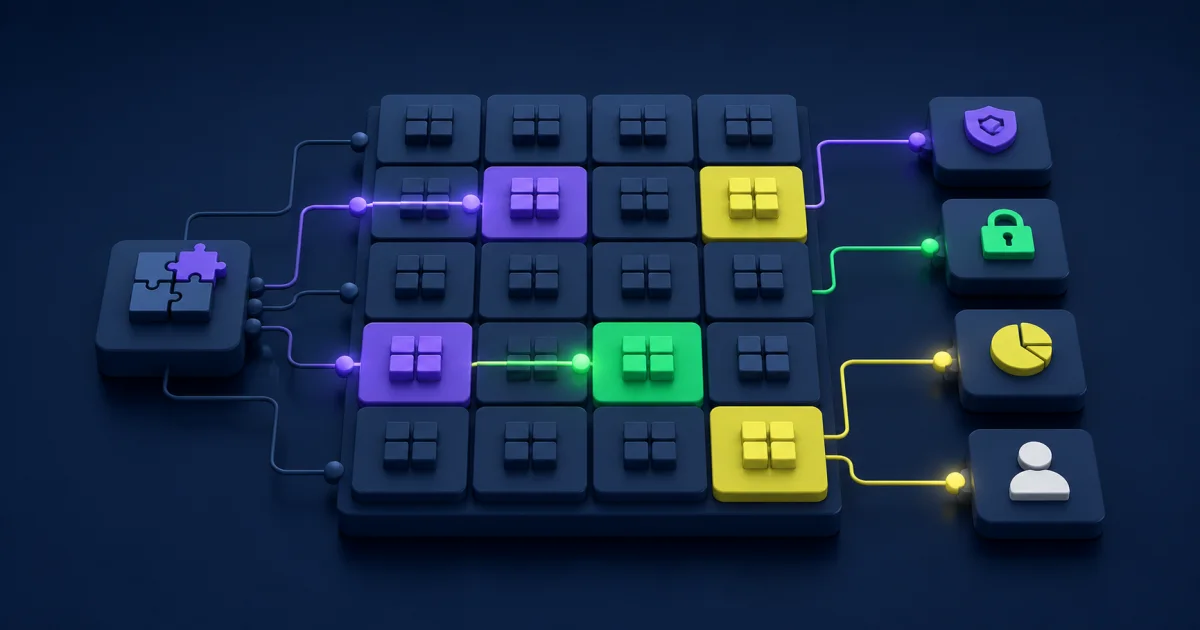
Testing should follow the possible business impact of a change. Start with a stable library of critical end-to-end scenarios, then add focused cases for the release items that touch those scenarios. This gives the team reliable coverage without trying to test the entire tenant after every update.
Map each test to a named process owner, expected result, evidence requirement, and defect path. Include upstream inputs and downstream effects. For example, a compensation change might affect eligibility rules, approvals, document generation, reporting, security, and an outbound integration.
Test Business Processes, Not Isolated Screens
A screen-level check can miss a broken approval, condition rule, notification, report, or downstream file. Test representative transactions from initiation through completion. Include common paths, important exceptions, rescinds or corrections where relevant, and role-based access.
Keep test data realistic enough to expose configuration issues without using sensitive production data improperly. If your preview tenant does not reflect recent production configuration, document that gap before treating a passed test as conclusive.
Cover Integrations, Security, and Reporting
Functional testing should connect with technical validation. Review integration schedules, endpoint behavior, web-service versions, calculated fields, report prompts, file formats, authentication, and security-group access. Teams with a large integration estate can prioritize interfaces by business criticality and recent change history. The same principles apply when managing Workday EIB and other data integrations.
Capture evidence where a control, compliance obligation, or high-risk process requires it. The evidence should show what the tester did, the expected outcome, the actual result, the environment, and the date.
Understand the Release Note Categories
Current Workday documentation distinguishes features by setup effort rather than the older mandatory, opt-in, and setup-required language used in many legacy articles. Automatically Available means Workday enables the feature, although your team still needs to assess tenant impact and decide what to test. Setup Required means your team must take action before using the feature.
Fix notes can identify action required or an interface change. Retirement notes deserve early attention because they can create a future deadline for configuration, training, integrations, or operating procedures. Workday states that it provides at least one year of advance notice for retirements whenever possible, but your team should still track the published status and date.
Do not assume a category determines the entire response. An automatically available feature may require extensive regression testing in a highly configured tenant. A setup-required feature may need no immediate work if the capability does not support a current priority.
Prepare for Production Without Inventing a Rollback
A cloud feature release does not give customers the same rollback options as a self-managed application deployment. Build a response plan around the actions your team can control: pausing an internal configuration change, disabling a newly enabled process where supported, adjusting security, routing around an affected integration, communicating a workaround, and escalating a Workday case with clear evidence.
Before production, confirm:
- Critical testing has a recorded result and owner.
- Configuration changes have approvals and migration steps.
- Integration and report owners know the production validation window.
- Support teams have an issue route and severity criteria.
- User communications match the actual impact.
- Business calendar conflicts, such as payroll or close, have an explicit mitigation.
Keep production validation short and targeted. Confirm the highest-risk processes first, then monitor lower-risk areas through normal support channels.
Stabilize the Release and Close the Loop
Set a defined stabilization period after the production update. Review incidents, support questions, failed integrations, security concerns, report anomalies, and adoption signals. Assign every material issue an owner and target date.
Close the release only after the team records unresolved items and transfers them into normal operations. A short retrospective should answer which assessments proved accurate, which tests found defects, where evidence was missing, and which decisions took too long. Feed those lessons into the next release inventory and regression library.
Measure the Health of the Process
Useful measures show whether the team made better decisions and protected operations. Track a small set that supports action:
- Percentage of relevant notes reviewed by the target date.
- High-risk items without an assigned owner.
- Critical scenarios completed before production.
- Production incidents linked to missed impact or testing.
- Deferred features without a future review date.
- Time required to triage release-related support issues.
Avoid measuring success by the number of features adopted. A sound decision to defer a feature can protect capacity and prevent unnecessary configuration. The quality of the decision matters more than the volume of activity.
Common Release Management Failure Modes
Reviewing only before the major release: Weekly notes, fixes, and delivery updates can change the risk picture between formal milestones.
Treating every feature equally: Teams spend time on low-impact items while critical dependencies receive shallow review.
Testing only happy paths: Exceptions, role access, corrections, and downstream integrations remain exposed.
Leaving deferred decisions open: Useful capabilities disappear into a backlog without an owner or review date.
Using screenshots as the process record: Images become stale and do not explain the decision, evidence, or ownership.
Closing at production: The team misses support trends and repeats the same weaknesses in the next cycle.
When External Release Support Helps
External support can help when the internal team lacks capacity across multiple functional areas, carries a large integration footprint, has inconsistent testing evidence, or needs to rebuild release governance after production issues. The provider should strengthen internal ownership rather than replace it.
Look for support that can connect functional review, technical dependencies, testing, communications, and stabilization. EVOCS provides Workday managed services and release support designed around the client’s existing team, configuration, and operating calendar.
Make Every Release Easier to Manage
A durable Workday release management process gives each relevant change an owner, an impact decision, proportionate testing, and a clear production response. Keep the inventory current, review official notes throughout the release window, and use evidence from incidents and adoption to improve the next cycle.
If release work keeps colliding with payroll, close, integration support, or competing roadmap priorities, start by identifying the processes that cannot fail. Build the ownership and regression model around those first, then expand coverage as the team gains confidence.