
Workday reporting gives HR, finance, and operations teams direct access to the data they use for daily decisions. A useful report starts with a clear business question, the right data source, and an agreed definition of each measure. Report Writer can support the result, but configuration alone cannot settle conflicting definitions or repair weak source data.
Strong reporting teams treat each report as a controlled product. They name an owner, document the audience and purpose, test results against a trusted source, and review access before release. This guide explains how to make those decisions and build reports that users can trust.
Start Workday reporting with the business question
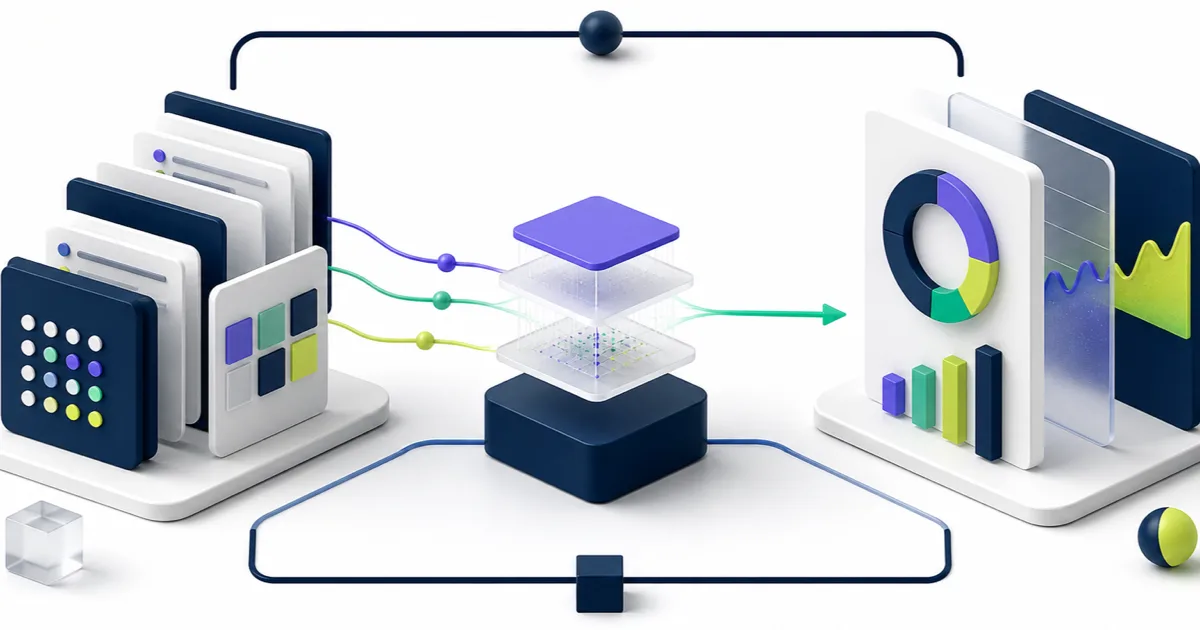
Write the decision or action the report must support before you select fields. “Show headcount” leaves room for conflicting assumptions. A stronger request states the population, effective date, organizational view, worker types, and intended use. Those details determine the data source, filters, prompts, security, and reconciliation method.
Confirm these points with the report sponsor:
- Who will use the report?
- Which decision or process does it support?
- Which worker, financial, or operational population belongs in scope?
- Which effective date or time period applies?
- Which definitions require agreement?
- How fresh must the result be?
- Which actions should users take after reading it?
A short definition sheet reduces rework. It also gives testers a basis for deciding whether the result is correct.
Understand the Workday reporting data model
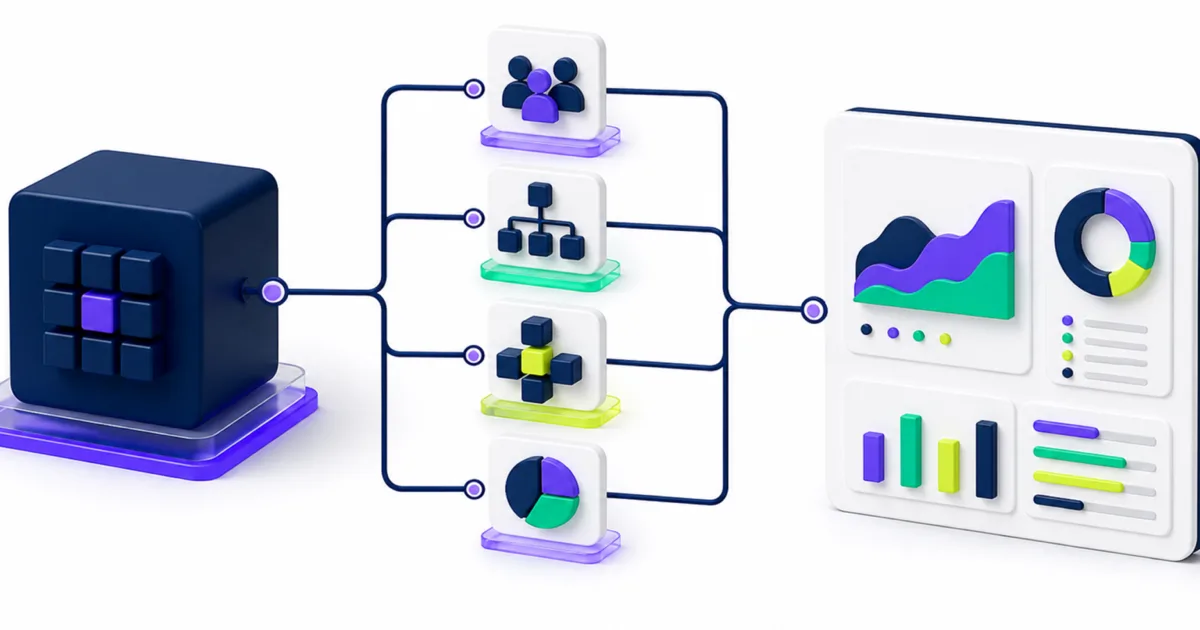
Workday stores information in business objects. A primary business object supplies the main records for a report, while related business objects provide connected details. The report data source sets the starting view and can include built-in filters. Class report fields determine which delivered, calculated, or custom values a report author can select.
Workday’s Report Writer and Custom Reports guidance describes the same relationship among primary business objects, related business objects, report data sources, fields, and instances. Security affects which sources and fields each author can see.
Choose the primary business object
The primary business object determines what one row represents. A Worker-based report may return one row per worker, while a position, job requisition, or business-process report uses a different grain. Starting from the wrong object can create duplicate rows, missing populations, or calculations that appear correct until totals are compared.
Select the report data source
Choose a data source after you understand its primary object, built-in filtering, prompts, and security. Workday calls this the first and most important custom-report decision in its reporting guidance for administrators.
Use the Data Sources, Business Object Details, Report Fields, and Report Fields and Values reports to investigate available paths in your tenant. Prefer an indexed data source when it fits the question and data volume. Workday indexes selected sources and fields to support aggregation, faceted filtering, and performance on larger data sets.
Check one-to-one and one-to-many relationships
A related object may return one value or many values for each primary record. One-to-many relationships can expand output and change totals. Test the relationship with known records before you add more fields. If a worker has several dependents, positions, or business-process events, decide whether the report should show one row, repeated rows, or summarized values.
Choose the right report type
Use the simplest report type that answers the question and fits the audience. Available options depend on the licensed products, tenant configuration, and security assigned to the report author.
Standard reports
Start with a delivered report when it already answers the question. A standard report reduces custom maintenance and can reveal the data source, fields, and filters Workday uses for a known process. Copy a standard Report Writer report only when the delivered version cannot meet a documented need.
Advanced reports
Advanced reports suit many detailed lists and operational extracts. Authors can add fields from the primary and related objects, prompts, filters, sorting, grouping, subtotals, and calculated fields. Keep the output narrow enough for its purpose. A large field inventory is hard to test and harder for users to interpret.
Matrix and trending reports
Matrix reports summarize measures across two dimensions and can support dashboard analysis. Trending reports support changes over time for eligible data and use cases. These formats work when users need patterns and comparisons rather than row-level detail.
Composite reports
Composite reports combine results from advanced or matrix subreports. Use them when one business question requires measures from separate sources that cannot fit one report grain. Assign clear ownership to each subreport and document how their filters and periods align.
Build reports users can interpret
A technically correct report can still confuse its audience. Put the fields users need for the decision near the beginning. Group supporting details, use labels that match business language, and remove fields that do not affect an action.
Use prompts with purpose
Prompts let users choose dates, organizations, worker types, statuses, or other criteria at run time. Give each prompt a clear label and a sensible requirement. Too many prompts slow routine work and increase inconsistent results. Too few prompts can produce a large output that users filter outside Workday.
Control calculated fields
Calculated fields can solve gaps in delivered logic, but they also create hidden dependencies. Use clear names, document the source fields and logic, identify an owner, and test edge cases. Review existing calculated fields before creating another version of the same measure. Teams that need a broader governance model can use the principles in the EVOCS Workday calculated fields guide.
Design dashboard content for decisions
A dashboard should answer a small set of related questions. Use summary measures to show status or change, then provide a path to the supporting detail. Matrix reports can conserve space, but cramped tiles, unclear periods, and competing definitions reduce trust. Confirm how each dashboard item handles filters and effective dates.
Test accuracy, security, and performance
Report testing needs more than a successful run. Build a test set that covers totals, detail, access, effective dates, and exceptions.
- Reconcile totals with a trusted delivered report or controlled source.
- Trace selected rows back to the underlying worker, organization, transaction, or business process.
- Test current, future-dated, corrected, rescinded, and terminated records where relevant.
- Compare results for users with different security roles.
- Confirm prompt defaults, required prompts, and saved filters.
- Test export behavior if users move results to Excel or another system.
- Record run time for representative data volumes.
Security testing belongs in the design. A report can expose only data the viewer can access, but report sharing and ownership still require review. Test proxy users, managers, HR partners, administrators, and transferred workers with realistic assignments. Confirm who can run, edit, copy, schedule, and share the report.
Performance problems often come from broad data sources, deep related-object paths, complex calculated fields, weak filters, or output that returns more rows than users need. Measure before changing the design. An indexed source may help, but only when its delivered logic fits the question.
Establish Workday reporting governance
Without ownership, custom reports accumulate and definitions drift. A practical governance model covers intake, naming, development, testing, release, access review, and retirement.
- Assign a business owner and technical owner.
- Use consistent names, descriptions, tags, and categories.
- Record the purpose, audience, fields, filters, prompts, and dependencies.
- Require peer review for reports used in executive, regulatory, payroll, compensation, or workforce decisions.
- Track changes and retest after material configuration or security updates.
- Review unused, duplicated, temporary, and obsolete reports on a set schedule.
A central catalog helps users find approved reports and reduces duplicate builds. Include the report name, owner, purpose, audience, refresh expectation, definition notes, and support path. Usage data can guide retirement decisions, but an unused report may still support a rare control or audit process. Ask the owner before removing it.
Common Workday reporting problems
Totals disagree across reports
Compare the primary object, data source, built-in filters, prompt values, effective dates, worker types, and security context. Two reports with similar names may answer different questions.
Duplicate rows appear
Inspect one-to-many related objects and fields that return multiple instances. Decide whether the output needs repeated rows, grouped values, or a different primary object.
Users export every report
Ask which task they complete after export. They may need a different field order, a reusable prompt, a summary view, an integration, or a downstream control that Workday should support directly.
The report works for its author but not its audience
Test the report under the audience’s security assignments. Check source and field access, domain security, organization access, and sharing settings. The author’s broad access can hide a design problem.
Frequently asked questions
What is Workday reporting?
Workday reporting includes delivered reports, custom Report Writer reports, dashboards, and related analytics tools that let authorized users examine data in their tenant. Available capabilities vary by Workday products, configuration, and security.
Which Workday report type should I use?
Use a delivered report when it meets the requirement. Advanced reports suit detailed lists, matrix reports support summarized comparisons, trending reports show eligible changes over time, and composite reports combine measures from separate subreports. Start with the business question and data grain.
Why is the data source important?
The data source determines the primary business object and the starting set of records. Its built-in filters and security shape what the report can return. A poor choice can create missing records, duplicates, slow performance, or misleading totals.
How should teams improve an existing reporting catalog?
Inventory reports, identify owners, group duplicates, validate critical definitions, review sharing, and retire obsolete content with owner approval. Establish an intake and review process so the catalog stays controlled after cleanup. EVOCS can connect this work with a broader enterprise managed services model.
Make reporting a governed business capability
Reliable Workday reporting comes from clear definitions, sound data-model choices, controlled calculations, realistic testing, and accountable ownership. Report Writer gives teams the tools. Governance keeps the output useful after the first release.
EVOCS helps organizations design, test, govern, and improve Workday reporting across HR, finance, and operational processes. If your report catalog has grown difficult to manage or leaders question the numbers, schedule a strategy conversation. We will help you identify the source of the problem and define a practical path forward.