
A move from UKG Workforce Central to Workday Time Off is not a simple balance conversion. Time-off plans influence employee requests, manager approvals, payroll inputs, reporting, accruals, and compliance. A migration can appear successful at launch while still carrying hidden problems in eligibility, historical balances, or downstream integrations.
The safer approach is to treat Workday Time Off as a policy and operating-model implementation. This guide explains what to inventory, how to translate legacy rules, which data to migrate, and how to test the result before employees depend on it.
Start with the migration decision
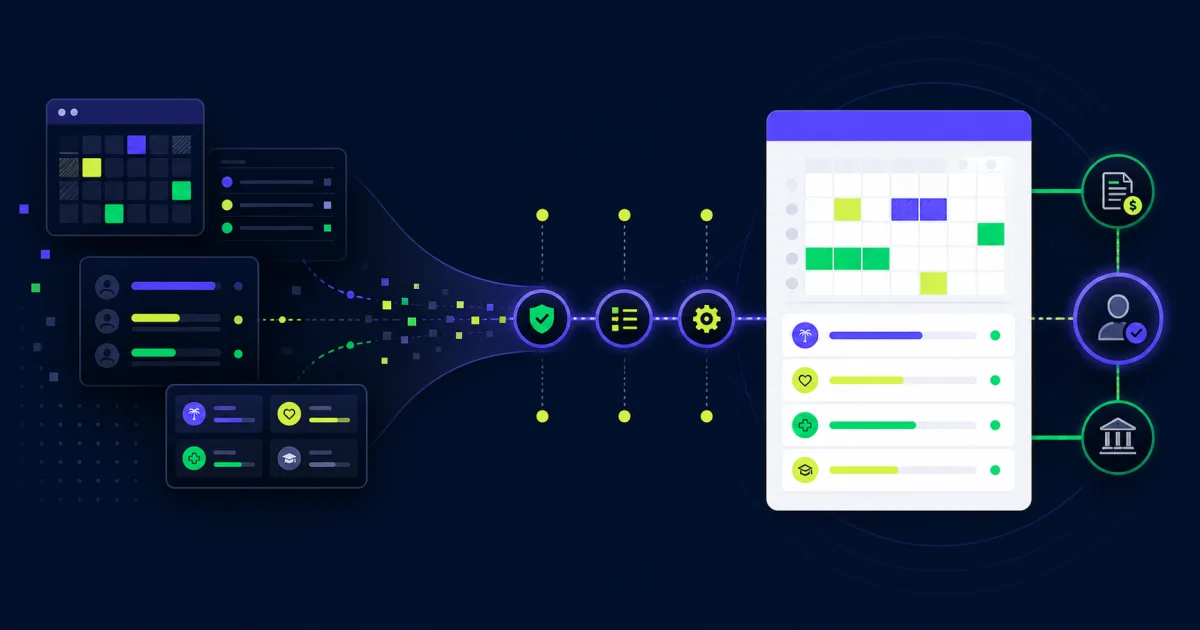
UKG Dimensions is now called UKG Pro Workforce Management. Organizations leaving UKG Workforce Central therefore have more than one path: migrate within the UKG product family, move workforce-management capabilities to Workday, or divide responsibilities between systems.
Define the target architecture before configuring plans. Workday Time Off manages time-away requests, balances, eligibility, approvals, and related absence processes. Workday Time Tracking covers reported work time. Scheduling, physical clocks, complex workforce-management rules, and industry-specific functions may remain in another platform.
Document which system will own each capability:
- Worker and organization data
- Time-off plans and balances
- Leave of absence
- Work schedules and calendars
- Time entry and approvals
- Payroll calculations
- Clock and scheduling data
- Compliance reporting
- Historical records
This boundary prevents duplicate balances, conflicting approvals, and integrations that send the same event in both directions.
Inventory the current UKG configuration
Begin with what the organization actually uses, not the original implementation workbook. Legacy environments accumulate local policies, manual corrections, interfaces, reports, and exceptions that may not appear in formal documentation.
Inventory active and inactive pay codes, accrual policies, eligibility groups, carryover rules, negative-balance rules, grants, caps, waiting periods, schedules, approval paths, devices, interfaces, and custom reports. Include union agreements, location-specific rules, and temporary programs.
For each item, record an owner, user population, business purpose, source data, downstream consumers, and disposition. The disposition should be explicit: recreate, redesign, retire, archive, or retain outside Workday.
Use production data to find exceptions
Configuration alone does not show how rules behave. Profile production data for negative balances, unusually high balances, pending requests, future-dated transactions, overrides, terminated workers, retroactive changes, and employees enrolled in several plans. These cases expose policy decisions the migration team must resolve.
Translate policy before building Workday Time Off
A one-to-one field map is rarely enough. The same policy may be represented differently across systems, and old configuration can preserve workarounds that no longer match the written policy.
For every target plan, create a policy decision record covering:
- Eligible worker populations
- Service-date and waiting-period rules
- Accrual frequency and rate
- Proration for hires, terminations, and status changes
- Maximum and minimum balances
- Carryover, expiration, and forfeiture
- Request units and rounding
- Negative-balance behavior
- Supporting-document requirements
- Approval and correction paths
- Payroll treatment
- Effective dates and regional requirements
Resolve conflicts with HR, payroll, legal, and policy owners before configuration. Do not use the migration to silently reinterpret an employee benefit.
Separate time off from leave
Vacation, sick time, personal days, and other short absences may belong in time-off plans. Longer or protected events may require a leave-of-absence process with different documentation, eligibility, case management, and return-to-work steps. Decide how the two processes interact so employees do not submit the same event twice.
Design the Workday Time Off foundation
Workday documentation describes an Absence configuration that includes time-off plans, calculations, balances, period schedules, security, notifications, and business processes.
Build shared foundations before individual plans. Confirm calendars, period schedules, units, service dates, worker eligibility data, calculation logic, and security roles. Then configure plans in policy families so naming and behavior remain consistent.
Keep a configuration register that connects each policy requirement to its Workday object, calculation, condition rule, business-process step, report, and test case. That traceability makes later changes easier to evaluate.
Design approvals around real exceptions
A manager approval may be enough for a routine request, but some cases need additional review. Examples include requests that create a negative balance, overlap another absence, affect a critical period, or require documentation. Build additional steps only when they support a clear control or decision.
Test delegation, reassignment, rescind, correction, cancellation, and retroactive requests. A happy-path approval test will not show whether administrators can recover from common mistakes.
Choose a balance-conversion strategy
Organizations usually do not need every historical transaction inside the new operational plan. They do need an agreed opening balance and enough history to answer employee, payroll, audit, and compliance questions.
Choose among three practical approaches:
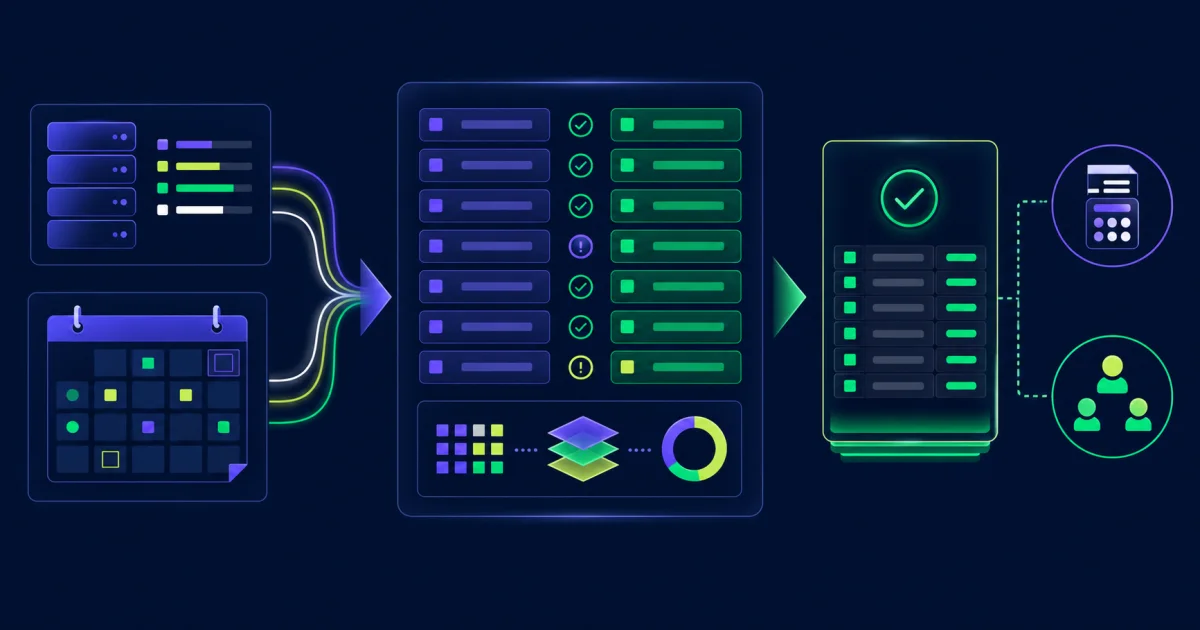
- Opening balances only: load an approved balance as of the cutover date and retain detailed history in an archive.
- Limited transaction history: load selected prior-period activity when Workday reporting or calculations require it.
- Full history: convert detailed transactions only when the business and compliance value justifies the added mapping, reconciliation, and testing effort.
Define the conversion population, cutoff date, pending-request treatment, future-dated requests, terminated-worker handling, rounding rules, and archive access before building files.
Reconcile more than the available balance
For each worker and plan, compare beginning balance, accruals, usage, adjustments, carryover, forfeiture, pending amounts, and ending balance. Reconcile control totals by plan, company, location, worker type, and other meaningful populations.
Investigate differences instead of forcing totals to match. A variance may reveal an incorrect policy rule, missing worker, duplicate transaction, timing issue, or source-system defect.
Plan integrations and payroll together
Time-off data rarely stays within one application. It can affect payroll, time tracking, scheduling, benefits, calendars, reporting, identity, and third-party leave providers. Create an interface inventory that identifies direction, frequency, fields, ownership, error handling, and reconciliation for every connection.
Payroll testing must verify more than successful file delivery. Confirm that paid and unpaid absences use the correct earning or deduction treatment, dates, quantities, retro rules, costing, and pay-period behavior. The EVOCS guide to Workday payroll integrations provides a broader control and testing framework.
Define the system of record for every value
Document whether Workday or another system owns balances, requests, schedules, and payroll results. If data travels both ways, define sequencing and conflict rules. A technically successful interface can still overwrite a newer transaction with older data.
Test Workday Time Off with realistic scenarios
Testing should prove policy outcomes across worker populations and dates. Build scenario-based cases from actual rules and known exceptions, then connect each result to a requirement.
- New hire before and after a waiting period
- Worker changing location, company, schedule, or eligibility
- Full-time to part-time transfer
- Request spanning a holiday or period boundary
- Carryover, cap, expiration, and forfeiture
- Negative balance and insufficient balance
- Retroactive request, correction, and cancellation
- Concurrent time-off and leave events
- Termination and rehire
- Manager delegation and reassignment
- Payroll calculation and retro processing
- Integration failure, retry, and duplicate prevention
Run parallel calculations for representative populations. Compare results at the worker level as well as in aggregate, and keep evidence for every resolved variance.
Test security as part of the process
Validate what employees, managers, HR partners, absence administrators, payroll users, and integration accounts can view and change. Include workers with multiple positions or managers. The EVOCS Workday authentication and security guide explains how identity controls fit into the wider operating model.
Prepare cutover as a controlled reconciliation
Set a clear sequence for the final UKG extract, request blackout, approvals, data transformation, Workday load, reconciliation, signoff, and employee access. Identify who can approve exceptions and what conditions would delay launch.
A practical cutover checklist includes:
- Freeze dates and communication owners
- Final transaction and balance extracts
- Treatment of open and future requests
- File validation and control totals
- Load order and dependency checks
- Payroll and integration smoke tests
- Business-owner reconciliation and signoff
- Employee balance review process
- Rollback criteria and archived-data access
- Hypercare contacts and escalation paths
Do not wait until launch morning to decide how an unresolved balance will be handled.
Support adoption after launch
Employees need to know where to view balances, submit requests, correct an error, and get help. Managers need concise guidance for approvals, delegation, team calendars, and exceptions. Administrators need runbooks for adjustments, overrides, eligibility changes, integration failures, and period-end controls.
Monitor request failures, approval aging, balance adjustments, payroll variances, integration errors, help tickets, and unusual negative balances during hypercare. Review patterns daily at first, then move to a sustainable operating cadence.
Common Workday Time Off migration mistakes
Recreating every UKG rule
Some legacy configuration exists only because of an old limitation or abandoned policy. Require a business owner to justify each rule before rebuilding it.
Loading balances without transaction rules
An accurate opening balance can become wrong immediately if eligibility, accrual, carryover, or payroll logic is incomplete. Test the first calculations after conversion.
Treating employee communications as training only
People care about their available time and pending requests. Explain what will change, when balances are frozen, how converted values were determined, and how to report a discrepancy.
Closing the legacy system too early
Retain accessible history for payroll research, audits, employee questions, and compliance needs. Document the archive owner, retention period, access process, and reporting limitations.
Questions about moving from UKG to Workday Time Off
Should every UKG transaction be migrated?
No. The right scope depends on calculations, reporting, audit, employee-service, and legal requirements. Many organizations load approved opening balances and keep detailed history in a controlled archive.
Can Workday Time Off replace UKG workforce management?
It can replace time-off capabilities when the target design fits Workday, but the wider answer depends on timekeeping, scheduling, clocks, forecasting, payroll, and industry requirements. Decide capability by capability.
When should balance reconciliation begin?
Begin during discovery with representative data. Repeat reconciliation through mock conversions, parallel testing, cutover, and the first post-launch accrual and payroll cycles.
Who should approve the final design?
HR policy, payroll, legal or compliance, operations, security, integration owners, and accountable business leaders should approve the areas they own. Technical completion is not policy approval.
Build a migration people can trust
A dependable Workday Time Off migration connects policy, configuration, data, integrations, security, and adoption. The strongest teams make ownership visible, test real exceptions, and reconcile every critical result before employees see it.
EVOCS helps organizations assess legacy workforce-management environments and design supportable Workday processes. If you need a migration roadmap, configuration review, or independent readiness assessment, schedule a strategy conversation.