
Workday payroll integrations connect worker, job, compensation, time, benefit, and organizational data with the systems that calculate and deliver pay. They can also return payroll results, documents, and status information to Workday. Because the data affects employee pay and contains sensitive personal information, the integration needs tighter controls than an ordinary file transfer.
A dependable design starts with the payroll operating model. Your team needs to decide which system owns each field, which events trigger an update, how effective-dated changes should appear, when the provider closes its input window, and how payroll specialists will reconcile results. The connector matters, but ownership, data contracts, testing, and support procedures determine whether the integration works during a live pay cycle.
What Workday Payroll Integrations Need to Accomplish
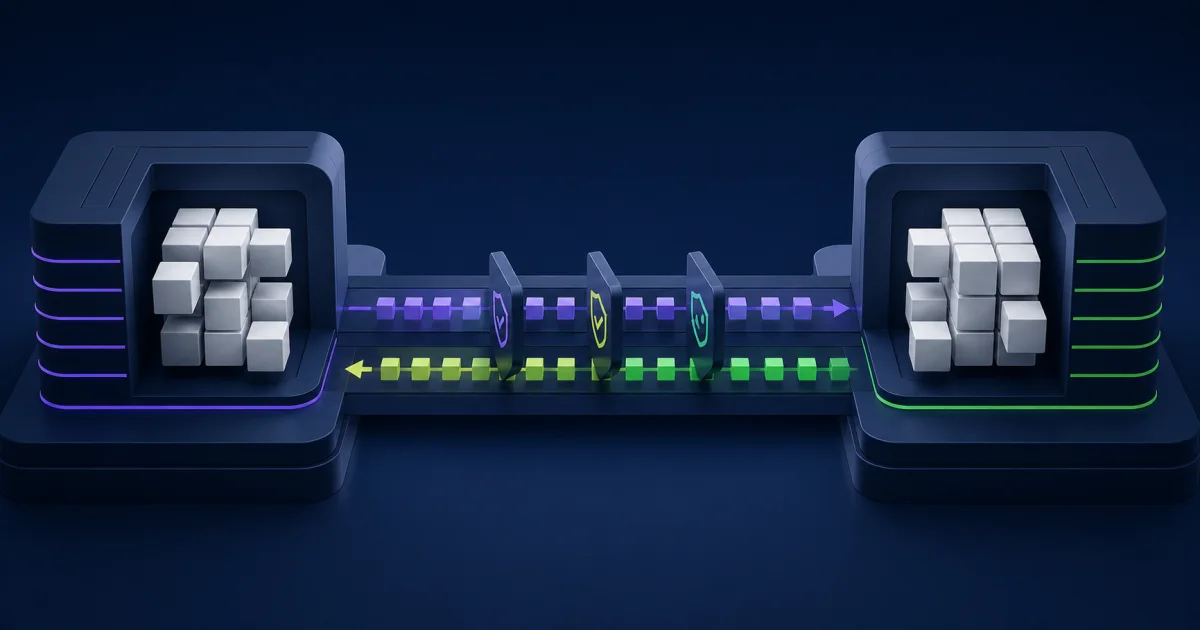
A third-party payroll integration usually supports two related flows. The outbound flow sends approved worker and payroll-impacting changes from Workday to the provider. The inbound flow can return payroll results, payslips, tax documents, processing status, or other provider data for reporting and employee access.
Workday’s third-party payroll connector documentation describes packaged templates that let teams select the data elements to include, define when to include them, detect relevant changes, transform the output, and deliver it to an external system. The same documentation distinguishes Payroll Interface from Payroll Effective Change Interface based on how each evaluates effective-dated changes.
Do not begin by choosing a connector name. Define the payroll requirements first:
- Countries, legal entities, pay groups, and worker populations in scope.
- Provider input format, API or file requirements, and processing deadlines.
- Events and fields that can change pay or statutory reporting.
- Expected inbound results, documents, and status updates.
- Reconciliation totals, exception thresholds, and approval evidence.
- Data privacy, encryption, retention, and support ownership.
Choose the Integration Pattern From the Data Requirement
Payroll Interface
Payroll Interface evaluates changes using top-of-stack processing. It reports the net change that applies at extraction time rather than every intermediate effective-dated event. This pattern may fit a provider that needs a current-state payroll record for the relevant period.
Confirm the provider’s expectations before assuming current state is sufficient. A net result can be accurate while omitting the event sequence that a provider needs for retroactive calculations, audit, or local processing rules.
Payroll Effective Change Interface
Payroll Effective Change Interface, commonly called PECI, evaluates changes as an effective stack. It can report the sequence in which changes take effect and were entered in Workday. That detail can support payroll providers that need to process multiple effective-dated changes within a period.
Workday also documents event-driven PECI capabilities for sending selected hire and termination information after a business process completes. Use event-driven delivery only when the provider and payroll process can handle the timing, duplicate controls, correction behavior, and recovery path.
Global Payroll Connect and Certified Integrations
Workday Global Payroll Connect supports outbound worker data, inbound payroll information, reconciliation, reporting, and pay-group operations across third-party providers. A certified or prebuilt integration can reduce custom design, but it does not remove client responsibilities for mapping, security, testing, cutover, and ongoing controls.
Evaluate the provider’s certified scope by country and feature. Confirm who maintains the integration, how version changes are communicated, which APIs or templates it uses, and what falls outside the supported design.
Worker Effective Change Interface
If contingent-worker changes belong in scope, confirm whether Worker Effective Change Interface fits the requirement. Workday notes that PECI does not include contingent workers. Treat worker population as a design decision rather than discovering the limitation during testing.
Define a Payroll Data Contract
A data contract documents what each system sends, receives, validates, and owns. It should connect a business definition to the technical field. For every element, record the Workday source, provider target, format, allowed values, effective-date rule, null behavior, transformation, sensitivity, and owner.
Pay close attention to identifiers. Worker IDs, employee numbers, positions, legal entities, pay groups, earning codes, deduction codes, currencies, and bank or tax identifiers must remain stable across systems. If the provider uses a different code set, store the approved mapping and make unmapped values fail visibly.
Document the system of record for each field. Payroll teams often correct urgent data in the provider portal. Without a return or cleanup process, Workday and the provider drift apart. Decide whether the correction must return to Workday, remain provider-owned, or expire after the pay period.
Design Effective-Dated Change Detection Carefully
Payroll data rarely changes in a simple sequence. A manager may enter a promotion for a future date, HR may correct the compensation amount, and payroll may need both events before the cutoff. Terminations can be rescinded. Leave dates can change. A reopened period can require data the prior successful run already passed.
Define how the integration handles:
- Multiple changes to the same field in one pay period.
- Retroactive and future-dated transactions.
- Corrections, rescinds, cancellations, and reversals.
- Workers moving between pay groups or legal entities.
- Late entries after the provider cutoff.
- Full extracts, supplemental extracts, and reruns.
- The boundary between the last successful run and the current run.
Do not let a successful technical run imply complete payroll input. Reconcile the extracted population and key values against Workday before the provider processes them.
Protect Payroll Data Across the Full Path
Limit the integration to the approved worker population and fields. Use dedicated integration security, managed credentials, encryption in transit, and the provider’s approved delivery method. Restrict access to files, event messages, reports, logs, and error attachments because diagnostic output can expose the same sensitive fields as the main payload.
Assign owners for credential rotation, certificate expiration, endpoint changes, and access review. Record retention and deletion expectations for staging files and support evidence. Payroll data should not accumulate in shared folders because the team needed a quick troubleshooting copy during implementation.
Review provider access and subprocessors through the organization’s security and privacy process. The integration design should match country requirements, internal policies, and contractual obligations. Avoid claiming that a connector creates compliance by itself. Compliance depends on configuration, operating procedures, provider behavior, and local legal advice.
Build a Payroll Integration Test Strategy
Testing should prove the business outcome from the Workday transaction through the provider result. A field-level file comparison helps, but it cannot show whether the provider calculated the correct pay, applied the right effective date, or returned the expected results.
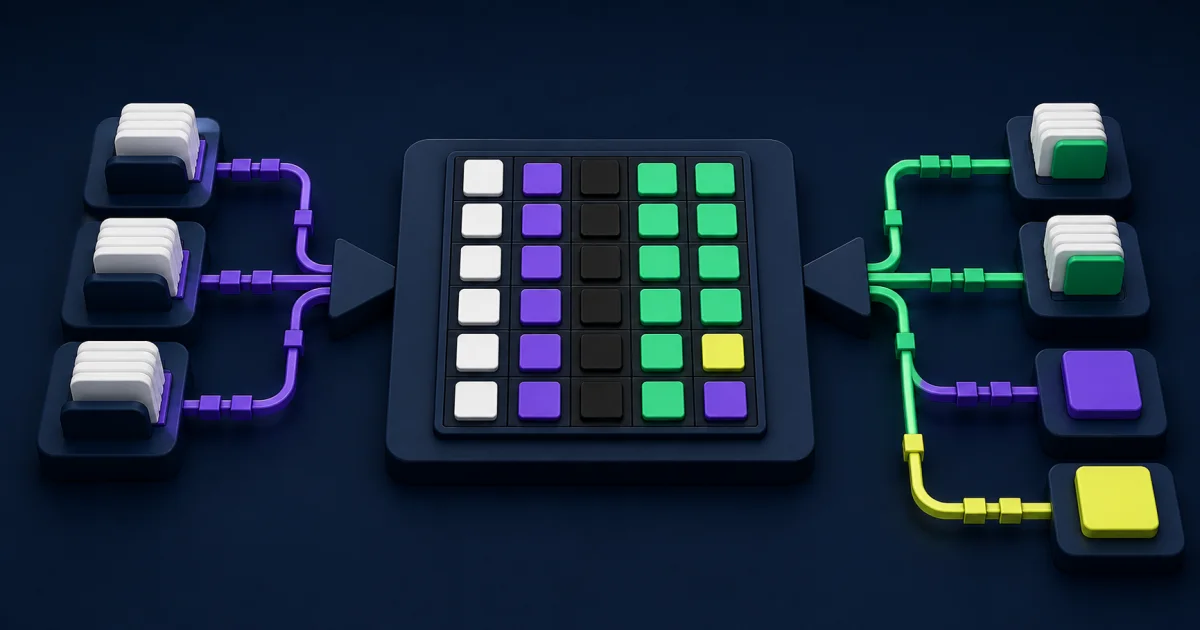
Build reusable scenarios by population, business event, country, and pay group. Give every scenario an expected source value, expected outbound value, provider result, reconciliation result, tester, and evidence location.
Test the Worker Lifecycle
Cover hires, rehires, terminations, rescinds, transfers, promotions, compensation changes, leave, return from leave, time changes, benefit deductions, bank changes, and corrections. Include workers with multiple jobs, cross-border moves, and other conditions relevant to the approved scope.
Test Timing and Effective Dates
Run multiple changes in different entry and effective-date orders. Test updates before and after payroll cutoff, retroactive transactions, future-dated transactions, reopened periods, and supplemental runs. Confirm the provider handles the sequence as the design expects.
Test Files, APIs, and Transformations
Validate required fields, nulls, code mappings, decimal precision, date formats, time zones, character encoding, delimiters, headers, trailers, filenames, encryption, and record counts. For APIs, test authentication failures, rate limits, timeouts, partial responses, duplicate requests, and idempotency.
Test Negative and Recovery Paths
Force missing mappings, invalid values, unavailable endpoints, rejected records, duplicate delivery, expired credentials, and partial provider acceptance. The support team should know what the alert means, who acts, how to correct the source, when to rerun, and how to prevent duplicate payroll input.
Reconcile Before and After Payroll Processing
Reconciliation connects the outbound Workday data to the provider’s accepted input and final payroll result. Use control totals that payroll specialists can explain. Population count alone can miss a material compensation or deduction error.
Useful controls may include:
- Workers expected, extracted, accepted, rejected, and paid.
- Total base pay, variable pay, hours, earnings, deductions, taxes, and employer costs.
- Counts and amounts by legal entity, pay group, country, currency, and earning type.
- New hires, terminations, retroactive changes, and off-cycle payments.
- Differences between source values, provider inputs, and returned results.
Set thresholds and approval rules before the live cycle. A difference may be valid because the provider applies local calculations, but someone must explain and approve it. Store the reason with the payroll evidence rather than relying on a message thread.
Plan Cutover Around the Payroll Calendar
Payroll integration cutover should respect parallel testing, data freezes, provider certification, bank deadlines, time collection, benefit feeds, and statutory submissions. Choose the first live pay group deliberately. A smaller population can reduce exposure, but only if it includes enough complexity to prove the design.
Before go-live, confirm:
- Final mappings and transformations have approval.
- Security and credentials work in production.
- Full and incremental loads reconcile.
- Provider acceptance and error responses work as expected.
- Inbound results and documents appear in the correct population.
- Payroll, HRIS, integration, security, and provider teams know the support schedule.
- A manual contingency exists for critical data when recovery cannot finish before cutoff.
Keep the cutover record connected to the implementation plan. EVOCS’s guide to controlled Workday integration design covers similar ownership, mapping, testing, and operating considerations across other data flows.
Operate the Integration as a Payroll Control
Assign a business owner and technical owner to every recurring interface. The runbook should include schedules, dependencies, control totals, alert routes, provider contacts, restart steps, credential ownership, and payroll cutoff decisions. Test the runbook before a critical period.
Monitor completion status, duration, rejected records, population variance, file or API delivery, provider acceptance, and inbound-result timing. Review repeated manual corrections as a defect trend. A recurring workaround needs an owner and funded resolution, not a permanent place in the checklist.
Include payroll integrations in the Workday release management process. Retest material scenarios after changes to Workday, provider specifications, integrations, mappings, security, or payroll operations.
Common Workday Payroll Integration Failure Modes
Choosing the connector before defining the requirement: The team discovers that effective-date behavior or worker population does not fit the provider.
Testing only current-state records: Retroactive changes, rescinds, and multiple events fail during a live cycle.
Relying on a successful run status: The file delivers, but the population, values, or provider acceptance remains incomplete.
Ignoring inbound design: Payroll results, documents, and provider exceptions have no governed return path.
Using manual corrections without cleanup: Workday and the provider stop agreeing on the source value.
Keeping sensitive troubleshooting files: Payroll data spreads across email, downloads, and shared storage.
Assigning technical ownership only: Integration teams cannot approve pay outcomes or explain legitimate payroll differences.
When External Payroll Integration Support Helps
Specialist support can help when the program spans several countries or providers, the internal team lacks PECI or Global Payroll Connect experience, reconciliation remains manual, or production issues keep reaching payroll cutoff. A partner should work with payroll and HRIS owners, not treat the interface as an isolated technical build.
EVOCS supports enterprise implementations and ongoing managed services for teams that need help with requirements, integration design, testing, release management, and operational support.
Build Trust One Payroll Cycle at a Time
Strong Workday payroll integrations give payroll teams a traceable path from an approved worker change to provider acceptance and final result. Choose the pattern from the requirement, document field ownership, test effective-dated events, secure every copy of the data, and reconcile each stage.
Start with the events and totals that can materially affect pay. Once those controls work consistently, expand automation and reporting without weakening the evidence payroll owners need to approve each cycle.