
Cloud-based HR technology should help your organization run dependable workforce processes, protect employee data, and make better decisions. A long feature list does not guarantee those outcomes. The platform must fit your operating model, integrate with the rest of the technology landscape, support the countries and worker populations in scope, and remain usable after implementation.
The most important HR technology trends are practical rather than fashionable: connected data, mobile and self-service access, embedded analytics, configurable workflows, stronger security controls, and AI features that require clear human accountability. This guide explains how to evaluate those capabilities without turning the selection into a product-demo contest.
What Cloud-Based HR Technology Includes
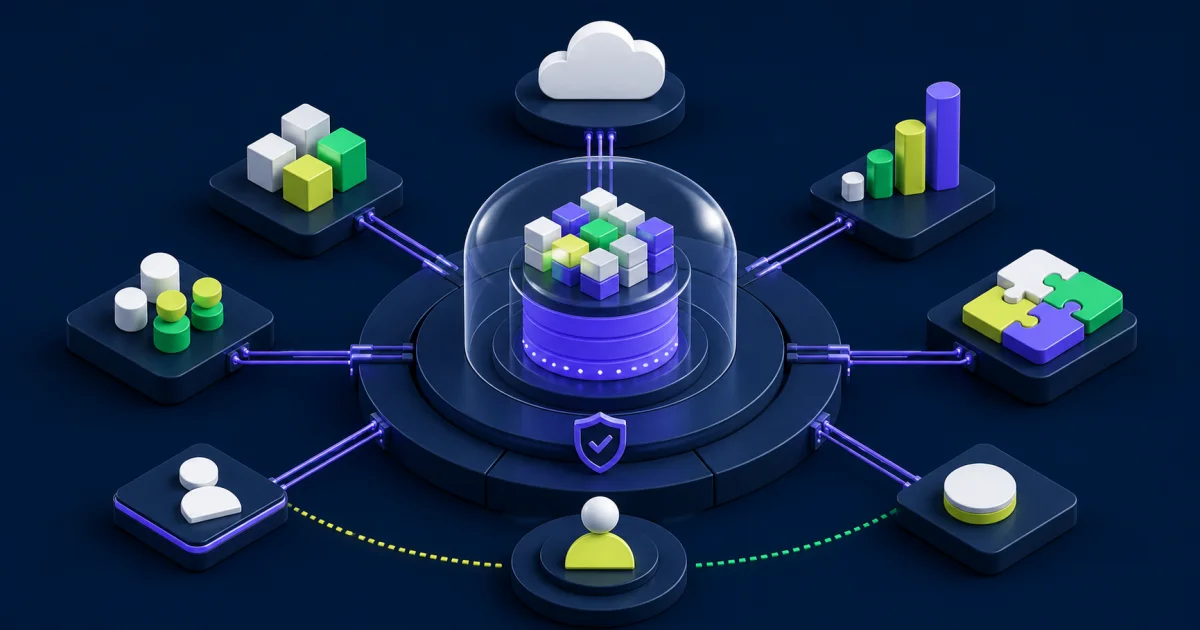
Cloud HR platforms can combine core worker records with recruiting, onboarding, compensation, benefits, time, absence, payroll, learning, performance, workforce planning, employee support, and analytics. Some organizations use one broad suite. Others combine a core HR platform with specialist applications.
Workday’s Human Capital Management overview describes core HCM, workforce planning and analytics, talent management, workforce management, and employee experience as connected areas. Treat that breadth as a reference point rather than a required purchase list. Your organization may need a smaller scope, a staged rollout, or integrations with existing payroll, learning, recruiting, finance, or identity systems.
The right architecture balances consolidation and specialization. One platform can reduce duplicate data and handoffs, but a single-suite policy can force weak functional fit. A collection of specialist tools can provide depth, but each new application adds integration, identity, security, support, and reporting responsibilities.
Start With Outcomes and Operating Problems
Define the business and workforce problems before reviewing products. A selection team should be able to explain which decisions, processes, controls, and experiences need to improve. Examples include reducing payroll corrections, shortening recruiting handoffs, giving managers reliable position data, improving leave administration, or replacing manual headcount reporting.
Translate each problem into a measurable baseline and target. Useful measures may include:
- Time required to complete a hire, transfer, compensation change, or termination.
- Number of manual reconciliations and duplicate data entries.
- Payroll, benefit, or access errors caused by late or incorrect HR data.
- Manager and employee completion rates for self-service tasks.
- Time required to answer recurring workforce questions.
- Support volume and unresolved case age.
- Audit findings tied to access, approvals, or missing evidence.
These measures give vendors a concrete scenario to address and give the program a way to evaluate value after launch. Avoid promising broad productivity or retention gains without a defined connection to the process being changed.
Evaluate the Data Foundation
Core HR data supports payroll, identity, finance, planning, compliance, reporting, and employee services. Review how each platform represents workers, positions, jobs, organizations, locations, legal entities, compensation, skills, and effective-dated events.
Ask how the data model handles concurrent jobs, contingent workers, international assignments, reorganizations, retroactive corrections, rescinds, and historical reporting. A polished current-state profile can hide limitations in the events that create the most operational work.
Assign ownership before migration. HR may own the business definition while payroll, finance, security, or local teams approve specific values. Document which system remains authoritative when a specialist application also stores the field. If two applications can change the same value, the operating model needs a conflict and reconciliation rule.
Test Employee and Manager Experience With Real Work
Ease of use depends on the task, audience, device, language, accessibility need, and frequency. A manager who approves compensation once a year has different needs from an HR administrator who processes changes every day.
Ask vendors to demonstrate your scenarios with representative roles. Include common tasks and exceptions:
- A candidate applies, requests an accommodation, and becomes a worker.
- A manager opens a position, changes the target start date, and reviews budget approval.
- An employee updates personal information and sees which changes require validation.
- HR corrects a transaction after it has affected payroll or access.
- A worker uses a mobile device or assistive technology.
- A support analyst traces the history of a failed process.
Observe clicks and screen design, but also test policy guidance, notifications, error messages, role access, delegation, and recovery. A short happy-path demo cannot prove that the platform supports the organization’s hardest work.
Assess Integrations as Part of the Product
Cloud-based HR technology lives inside a larger environment. Identity, payroll, finance, benefits, recruiting, learning, expense, procurement, data warehouses, and physical access systems may depend on workforce events.
Inventory every required data flow. Record source, destination, business event, frequency, volume, sensitivity, transformation, authentication method, monitoring, recovery process, and owner. Confirm whether the vendor provides an API, supported connector, file interface, event mechanism, or reporting extract for each use case.
Test effective-dated and retroactive changes, not only new records. Hires, rescinded terminations, reorganizations, pay-group moves, and corrected identity data often expose integration gaps. Review EVOCS’s HR technology integrations guide for additional design and operating controls.
Review Security, Privacy, and Resilience
Employee data can include identity, compensation, bank, tax, health-related, performance, and investigation information. Selection teams should review security and privacy with the same care they apply to functionality.
Assess:
- Role-based and contextual access controls.
- Segregation of duties and privileged administration.
- Single sign-on, multifactor authentication, and identity lifecycle integration.
- Encryption, key management, audit logs, and monitoring.
- Data residency, retention, deletion, backup, and recovery.
- Vendor incident response, notification commitments, and subcontractors.
- Tenant configuration baselines and release management.
- Controls for reports, exports, integrations, and support access.
A vendor certification can support due diligence, but it does not prove that your configuration or operating process is secure. Ask which controls the provider owns, which the customer owns, and how the implementation partner will validate the boundary.
Govern AI Features as Employment Technology
AI can support recruiting, skills inference, employee service, learning recommendations, scheduling, analytics, and document work. The selection team should evaluate each use case rather than accepting “AI-enabled” as one capability.
The NIST AI Risk Management Framework organizes voluntary AI risk work around Govern, Map, Measure, and Manage. That structure can help HR, legal, security, data, and business owners document the use case, affected people, data, controls, testing, monitoring, and response process.
The U.S. Equal Employment Opportunity Commission has stated that employment technology must comply with federal anti-discrimination laws and has highlighted the risk that automated tools can create or conceal barriers. Review the EEOC’s algorithmic fairness initiative alongside current legal advice for each jurisdiction.
For every AI feature, ask:
- Which decision or recommendation does the feature support?
- Which data does it use, and may that data contain proxies for protected characteristics?
- What evidence supports validity for the intended use?
- What does the administrator configure?
- What explanation can an employee, candidate, manager, or reviewer receive?
- Who can override the output, and how does the system record that decision?
- How will the organization test performance and harmful impact after deployment?
- How can the feature be paused if risk exceeds tolerance?
Human review must carry real authority. A reviewer who cannot see relevant context or challenge the recommendation does not provide an effective control.
Compare Analytics and Decision Support
Reporting quality depends on definitions, access, data freshness, and the ability to trace results. Ask vendors to build a small set of decision-focused reports from your requirements rather than showing a catalog of dashboards.
Test whether leaders can move from a summary to the relevant organization, position, process, or worker population without exposing unnecessary personal detail. Confirm how the platform handles historical reorganizations, effective dates, calculated measures, row-level security, exports, and external data.
Define one owner for shared measures such as headcount, full-time equivalent, vacancy, turnover, labor cost, and time to hire. Technology cannot resolve conflicting definitions unless the organization gives someone authority to decide.
Use a Structured Selection Process
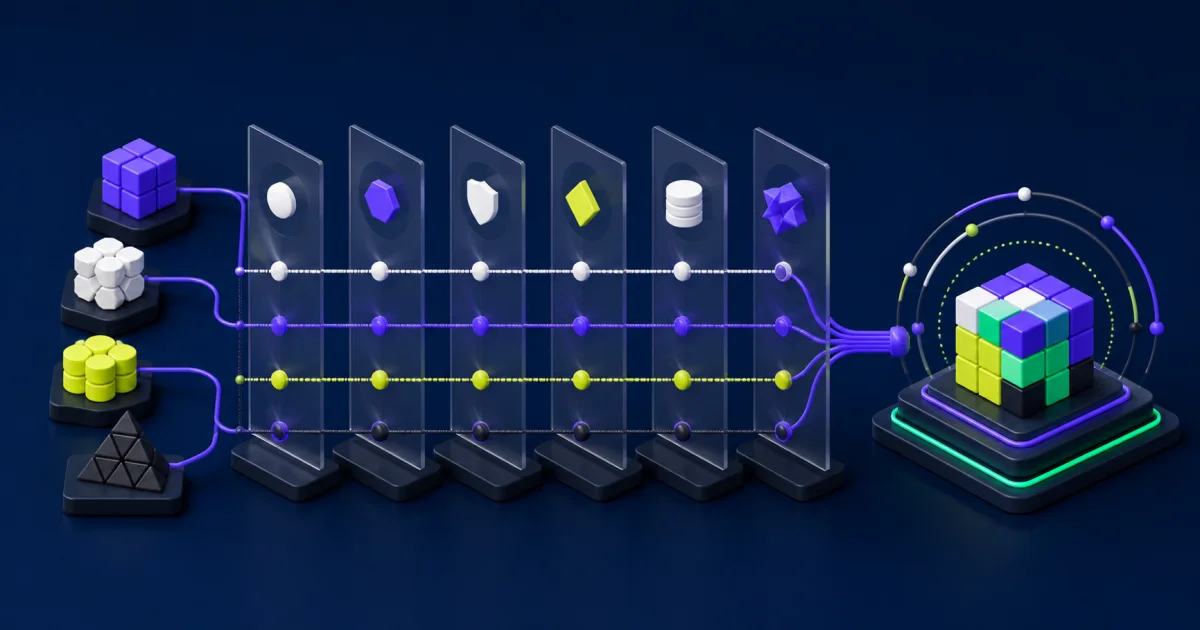
A selection process should compare operating fit, risk, and implementation effort alongside features. Keep the scoring model small enough for evaluators to apply consistently.
Build Requirements From Scenarios
Write requirements around business events, populations, controls, and expected results. “Supports onboarding” provides little information. A stronger requirement explains which worker types, documents, approvals, integrations, deadlines, and exception paths the onboarding process must handle.
Run Scripted Demonstrations
Give each vendor the same scenarios and data assumptions. Allow limited time for product context, then require the vendor to show the process, security, integration, reporting, and exception behavior. Record unanswered questions and identify whether the response requires configuration, custom work, a partner product, or a future roadmap item.
Validate Through References and Due Diligence
Speak with customers that resemble your size, countries, worker populations, and scope. Ask about implementation effort, release impact, support quality, integration maintenance, reporting limitations, and the skills required after go-live. Verify security and contractual claims through the appropriate review teams.
Use a Proof of Concept Selectively
A proof of concept helps when the decision depends on a difficult integration, security model, data conversion, high-volume process, or unusual worker population. Define the evidence and success criteria first. A loosely scoped sandbox can consume time without reducing decision risk.
The EVOCS guide on selecting an HRIS provider provides a broader evaluation framework for governance, requirements, demonstrations, references, and contracting.
Calculate Total Cost and Delivery Capacity
Compare more than subscription price. Include implementation, data conversion, integrations, testing, change management, training, internal project capacity, environments, partner tools, reporting development, security review, support, release management, and future expansion.
Estimate the operating team after launch. Identify who will own product decisions, configuration, integrations, reporting, security, data quality, releases, training, and support. A platform that requires skills the organization cannot retain may cost more than the commercial proposal suggests.
Review contract assumptions for worker counts, modules, environments, data use, AI features, storage, API access, implementation partners, renewal terms, and exit assistance. The selection should remain viable if priorities or workforce size change.
Plan Migration, Adoption, and Stabilization
Cloud software does not clean source data or align policy by itself. Profile the current data, define ownership, approve mappings, and decide which history supports a real business or legal need. Retaining every legacy value can increase conversion effort and make the new system harder to govern.
Design adoption by audience and process. Employees need clear task guidance. Managers need practice with approvals and exceptions. Administrators need configuration, reporting, security, and troubleshooting knowledge. Support teams need issue categories, escalation paths, and known workarounds.
Set a stabilization period after launch. Review failed processes, integration errors, access questions, duplicate data, report differences, support volume, and user corrections. Transfer unresolved issues into a governed backlog with owners and priorities.
Common Cloud HR Technology Selection Mistakes
Buying the demo: The team scores presentation quality instead of business-process evidence.
Copying the current system: Legacy policy, fields, reports, and workarounds move into a new platform without challenge.
Assuming one suite removes every integration: Payroll, identity, finance, benefits, and specialist tools still need governed data flows.
Treating AI as one requirement: Distinct use cases receive no risk, validity, or human-review analysis.
Leaving security until contracting: Material control gaps appear after functional preference has hardened.
Ignoring the operating team: The organization launches without enough product, integration, data, or support capacity.
Measuring activity instead of outcomes: The program tracks training completion and logins but not process quality, control evidence, or decision time.
Choose a Platform Your Team Can Sustain
Cloud-based HR technology creates durable value when product capabilities, data ownership, integrations, security, AI governance, and operating capacity support the same workforce outcomes. Start with the decisions and processes that matter, test realistic exceptions, and make implementation and support part of the selection.
A disciplined evaluation may lead to a broad HCM suite, a focused platform, or a staged combination of systems. The best choice is the one your organization can govern, operate, and improve after the implementation team leaves.