
A Workday compensation review brings together program rules, employee data, budgets, manager decisions, approvals, statements, and payroll outputs. Teams can configure each component correctly and still struggle at launch if they leave ownership, testing, or timing unresolved.
Preparation should begin before the review window. This guide covers the decisions and controls that compensation, HRIS, finance, payroll, and HR partners need to manage through design, testing, launch, finalization, and post-cycle support.
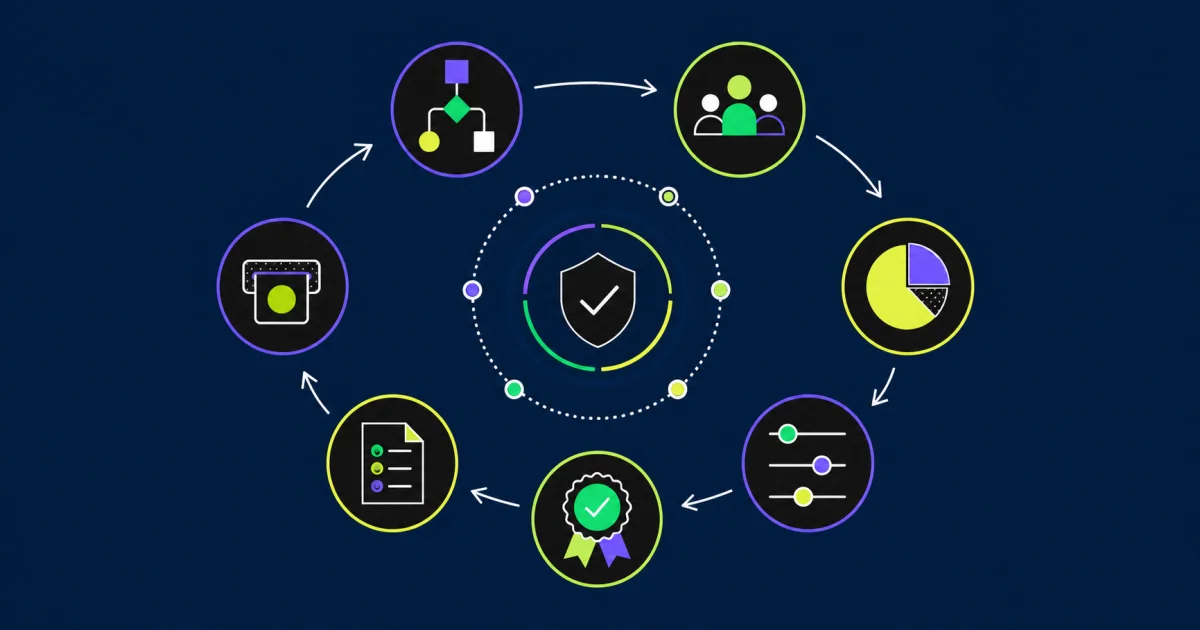
Set the program design before configuring the process
Document the compensation program in business language. Name each merit, bonus, allowance, one-time payment, promotion, or stock plan included in the cycle. For each plan, define eligibility, targets, funding, proration, rounding, limits, effective dates, and approval authority.
Resolve policy choices before building condition rules:
- Which worker populations participate?
- Which date determines eligibility?
- How do hires, transfers, leaves, and terminations affect participation?
- Which compensation basis supports each calculation?
- How do performance results affect targets or guidance?
- Which currencies and exchange rates apply?
- Which awards allow overrides or exceptions?
- Which results flow to payroll or another downstream system?
Record a policy owner and Workday configuration object for every rule. This traceability helps the team explain why an employee entered or missed the process.
Build a cross-functional operating team
Compensation owns the program rules. HRIS owns configuration and technical operation. Finance approves funding and monitors spend. Payroll validates earnings, dates, and downstream processing. HR partners and managers apply the program to workers.
Assign named roles for:
- Process design and policy decisions
- Configuration and security
- Employee eligibility and data quality
- Pool calculation and finance reconciliation
- Manager communications and training
- Test coordination and defect decisions
- Statement design and review
- Payroll and integration validation
- Launch control and hypercare
Confirm the implementation or support team before the project starts. Review the experience of the people assigned to compensation design, reporting, integrations, and statements, not only the provider’s general credentials.
Plan backward from the review window
Complete core configuration and a full rehearsal before managers receive planning tasks. Leave time for data correction, budget approval, security review, manager training, and statement testing.
A practical schedule includes:
- Program decisions and requirements
- Configuration and unit testing
- Data-quality and eligibility review
- End-to-end rehearsal with representative organizations
- Payroll and statement testing
- Manager training and communications
- Final data freeze and reconciliation
- Production launch
- Active-cycle support
- Finalization, statements, payroll, and retrospective
Place hypercare around the work that creates risk. Support is most valuable before launch, during manager planning, at finalization, during statement release, and through the first downstream payroll validation.
Control dates and employee participation
Workday uses several dates in compensation review initiation. The effective date, employee visibility date, and process period end date affect different parts of the process. The process period end date can determine employee eligibility and proration.
Build a date decision sheet and test every boundary. Include workers hired, transferred, promoted, placed on leave, terminated, or rehired near the cutoff. Confirm how in-progress staffing and compensation events interact with the review.
Reconcile the participant population
Compare the Workday participant list with the approved business population before launch. Reconcile counts and exceptions by company, country, supervisory organization, worker type, plan, and currency.
Give each excluded or manually added worker a reason and owner. Keep approval evidence for overrides that change eligibility or plan assignment.
Validate compensation plans and calculations
Test each plan independently before combining plans in one review. Verify default targets, individual overrides, profiles, matrices, scorecards, proration, rounding, statutory minimums, and waiting periods.
Use expected-result cases:
- Worker at the standard target
- Worker with an individual target override
- New hire before and after the cutoff
- Part-time worker and FTE change
- Worker with several jobs or compensation assignments
- Promotion during the review period
- Leave or termination near the effective date
- Award at minimum, maximum, and zero
- Currency conversion and rounding boundary
- Worker with missing performance or compensation data
Calculate the expected award outside the process for selected workers, then compare each component with Workday output. Investigate differences rather than adjusting the expected result to match the system.
Reconcile pools and spend
Finance and compensation should agree on the funding source, pool method, holdback, overage rules, currency treatment, and approval thresholds. Reconcile Workday pools with the finance-approved budget before distribution and again before launch.
During the cycle, monitor:
- Distributed and undistributed pools
- Planned spend by award type
- Over-budget organizations
- Holdback and redistribution
- Currency effects
- Employees without completed awards
- Manual adjustments and exceptions
Keep control totals at the organization and enterprise levels. A balanced enterprise total can hide a funding error in one organization.
Configure planners, reviewers, and support roles
Workday identifies administrator, controller, planner, reviewer, and support responsibilities within compensation review. Map those responsibilities to the organization’s decision rights.
Test security with representative users. Confirm which organizations and workers they can view, which fields they can edit, whether they can complete work on behalf of another planner, and how tasks move when a manager is absent.
Test the management hierarchy
Use organizations with interim managers, vacant positions, matrix relationships, multiple management levels, and recent reorganizations. Confirm that the process routes work to the intended planner and reviewer.
Design the manager experience
Managers need a planning grid that shows the information required for a decision without exposing unrelated or sensitive data. Review column labels, guidance, currency display, validations, reason codes, comments, and supporting reports.
Training should use the production-like process and explain:
- Who appears in the worksheet and why
- Which values are recommendations, targets, or limits
- How pool and spend change as awards are entered
- How to handle promotions and exceptions
- When comments or reason codes are required
- How to save, submit, send back, or request help
- Which information remains confidential
- What happens after submission
Give managers a short support path and response expectation during the active window.
Test compensation statements as documents
Statement testing must cover the rendered PDF, not only the report or data source. Review content, layout, page breaks, conditional sections, currency, effective dates, legal text, branding, accessibility, and employee visibility.
Workday supports delivered statement formats, custom Report Designer layouts, and Workday Docs for Layouts. Choose the method based on document complexity, internal skills, change frequency, test effort, and support ownership.
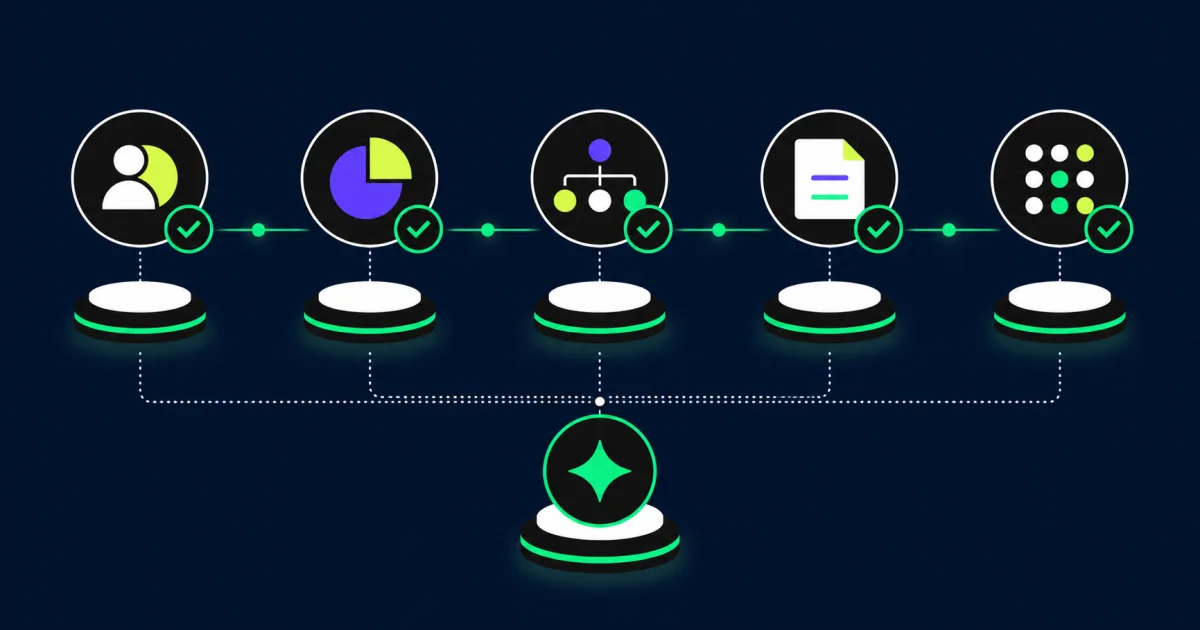
Keep statement variation controlled
Each conditional layout adds test combinations. Standardize where policy allows and document which populations receive each version. Test at least one statement for every material combination of plan, country, language, currency, legal text, and award outcome.
Review high-risk and exception statements before release. Confirm the release and visibility dates, PDF generation schedule, employee security, correction process, and archive behavior.
Validate payroll and integrations
Final awards may create compensation events, payroll inputs, stock files, finance reports, or data for another payroll provider. Test the full handoff rather than stopping at review finalization.
For each output, confirm:
- Worker identifier and eligible population
- Award type, amount, currency, and effective date
- Earning or compensation-plan mapping
- One-time and recurring treatment
- Retro and off-cycle behavior
- File sequencing and duplicate prevention
- Error handling and reconciliation
- Approval before downstream processing
Pair the test plan with the EVOCS guide to Workday payroll integration controls when awards feed a payroll interface.
Run a full rehearsal
Copy the intended production design into a test tenant and run a representative compensation review from initiation through statements and payroll output. Include several organizations, currencies, plans, and security roles.
During the rehearsal:
- Reconcile participation and pools
- Enter standard and exception awards
- Exercise review, send-back, delegation, and support actions
- Test an in-process worker change
- Finalize the review
- Generate and inspect statements
- Validate worker events and downstream outputs
- Record defects, decisions, and retest evidence
Use the rehearsal to confirm the operating calendar and support staffing as well as configuration.
Control the production launch
Use a launch checklist with named approvers. Confirm final employee data, eligibility, plans, security, pools, grids, dates, reports, communications, and support coverage before initiation.
Capture the process identifier, parameters, participant counts, pool totals, configuration versions, and approvals. If the checks fail, use agreed criteria to delay launch rather than correcting material issues inside an active manager process.
Operate active-cycle support
Separate user questions, data corrections, access problems, configuration defects, and policy exceptions. Assign each category to the correct owner and track resolution against the review calendar.
Monitor task completion, budget exceptions, employee participation changes, manager access, support volume, and unresolved defects. Hold a short daily control meeting during critical periods and record decisions that alter the process.
Finalize with evidence
Before finalization, reconcile completed organizations, employee awards, pools, spend, overrides, and outstanding exceptions. Collect approval from compensation and finance, then validate the worker events and downstream outputs.
Retain:
- Approved program rules and budgets
- Launch parameters and participant reconciliation
- Test cases and results
- Security and access evidence
- Exception and override approvals
- Final award and pool totals
- Statement release evidence
- Payroll and integration reconciliation
- Defect decisions and post-cycle actions
Review the cycle after completion
Hold a retrospective with compensation, HRIS, payroll, finance, HR partners, and manager representatives. Review data defects, support demand, workflow delays, budget adjustments, statement corrections, payroll issues, and manual work.
Assign improvements to a release plan. The EVOCS Workday release-management guide provides a structure for ownership, testing, and deployment between review cycles.
Questions about Workday compensation review
Which rules should teams test first?
Start with eligibility, process dates, proration, currency, rounding, limits, pools, and downstream payroll treatment. Add scenarios for employees with recent staffing changes.
Should teams avoid custom statements?
No. Choose the simplest statement method that meets business and legal requirements. Confirm that the team can maintain and test the selected design each cycle.
When should hypercare begin?
Begin focused coverage before launch and continue through active planning, finalization, statement release, and the first downstream validation. Match staffing to the risk calendar.
Who approves the final compensation budget?
Finance should approve funding while compensation leaders own program rules. Define approval authority for organization-level exceptions and enterprise finalization.
Run a compensation cycle people can explain
A reliable Workday compensation review connects policy, data, budgets, manager actions, documents, and payroll. Clear owners, representative testing, controlled launch criteria, and retained evidence help the team deliver awards without relying on last-minute fixes.
EVOCS helps organizations design, test, and support Workday compensation processes. If your next cycle includes new plans, complex statements, or unresolved issues from the prior review, schedule a strategy conversation.